|
star21 ®
Пол:  Стаж: 11 лет Сообщений: 262214 Откуда: Екатеринбург

|
WaveLab 9 101- Absolute Beginners Guide-
-Год выпуска: 2016
Производитель: Ask Video
Сайт производителя: www.askvideo.com/course/wavelab-9-101-absolute-beginners-guide
Продолжительность: 02:06:18
Тип раздаваемого материала: Видеоурок
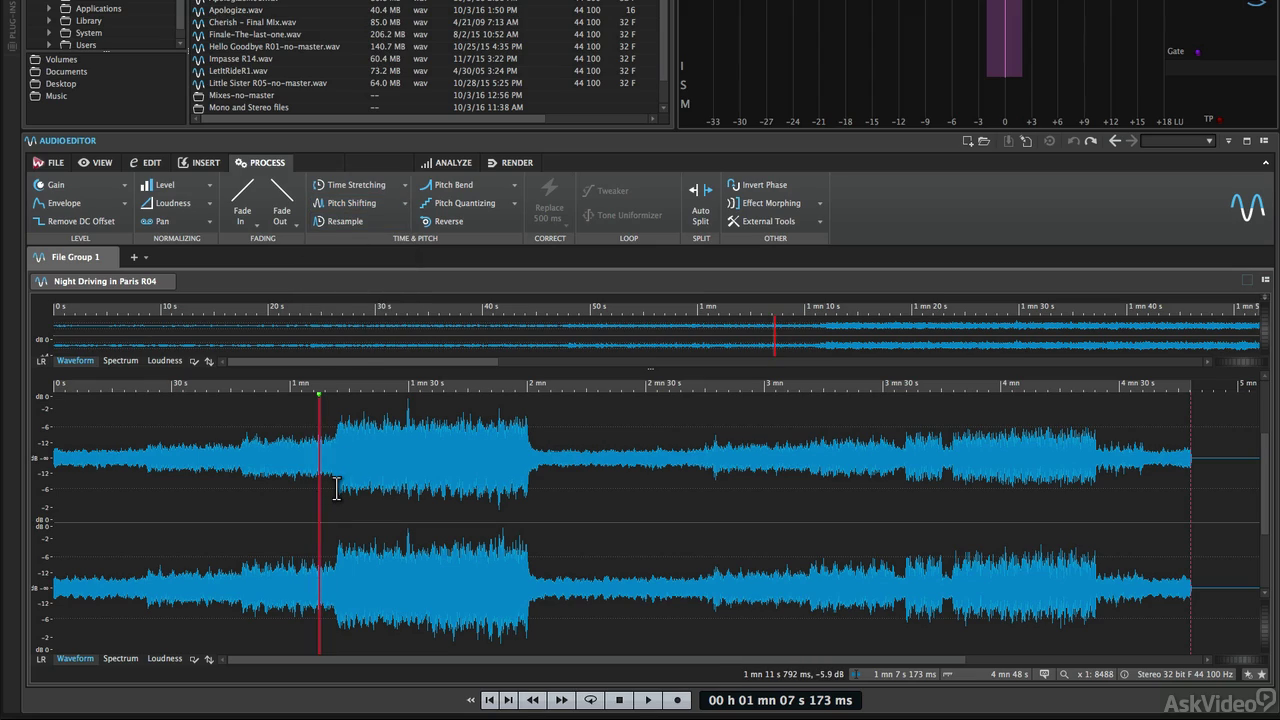
Язык: Английский--Описание: Регистрация эксперта Steinberg Мэтт HEPWORTH в данном руководстве 30-Учебное пособие для начинающих Absolute и увидеть все мастеринга силы вливаются в эту невероятную аудио платформу. Подробнее Wavelab 9 сейчас!-WaveLab 9 is an all-in-one, audio editing, processing, analyzing and mastering app. It has many sophisticated tools, and you really need to know your way around it to get the most out of it. That’s why we brought in WaveLab expert Matt Hepworth to create this Absolute Beginner’s Guide. Matt explains and explores the "where, why and how" of this multidimensional Steinberg program in this 30-tutorial course.
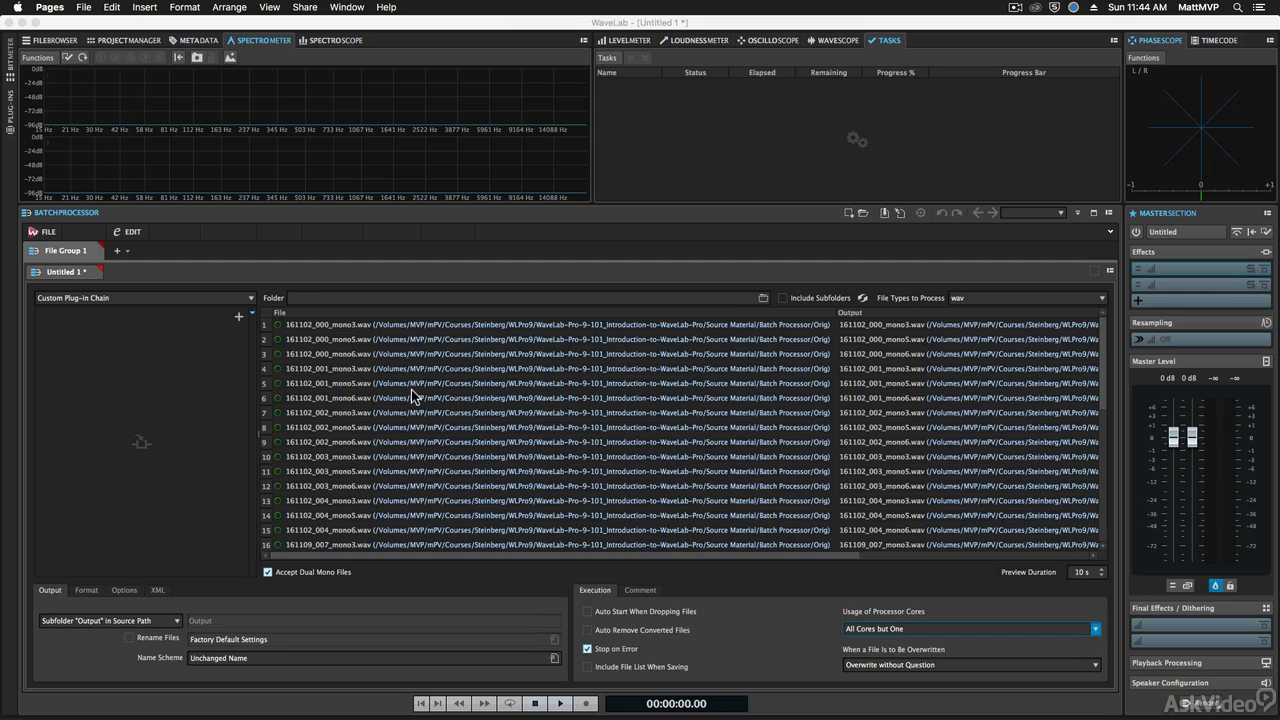
Matt starts off by explaining the GUI, the workspace, the various editing modes and the basics of WaveLab's file organization. Once that all important housekeeping is out of the way, he plunges into WaveLab’s advanced Audio Editor. Next up is the Montage -this is where multiple audio files come together for processing and editing as you prepare to master. To complete this course there's a final section on batch processing and a essential introduction to WaveLab’s Master Section.
By completing this course you get the knowledge you need to start editing, analyzing, processing and mastering your tracks in Steinberg's WaveLab 9!
Содержание
1Introduction (00:44)PREVIEW
2Assigning your Audio Interface (05:27)
3Light, Dark & Black Themes (01:36)
4Workspace Overview (06:20)
5The Three Editing Modes (03:49)PREVIEW
6The Ribbon (03:03)
7Projects & File Groups (05:55)
8The Power of Projects (03:34)
9Loading & Saving Files (05:06)
10Audio Editor Overview (05:29)
11Zooming functions (03:41)
12Making Selections (04:31)
13Edit Menu (06:51)
14Process Menu (04:02)
15Time Stretching (04:32)
16Analyze Menu (04:54)
17Using Markers (05:11)
18Rendering an Audio File (04:25)
19Adding Tracks (03:25)
20Clip Editing (04:43)
21Using Fades (05:39)
22Editing the Source (02:47)
23Rendering a Montage (03:08)
24Creating a Batch Processor (02:16)
25Adding Audio Files (01:38)
26Applying Processing (03:12)
27Running the Batch (06:34)
28Master Section Overview (01:47)PREVIEW
29Adding Plug-ins (07:40)
30Rendering (04:05)
Файлы примеров: отсутствуют
Формат видео: MP4
Видео : AVC, 1280x720 (16:9), 30.000 fps, ~194 Kbps avg, 0.007 bit/pixel
Аудио: 44.1 KHz, AAC LC, 2 ch, ~96.0 Kbps
|
|
|