|
star21 ®
Пол:  Стаж: 11 лет Сообщений: 262214 Откуда: Екатеринбург

|
SWA Kickstart Cubase Elements 8-
-Год выпуска: 2016
Производитель: Streamworks Audio
Сайт производителя: streamworksaudio.com/swa-kickstart-cubase-elements-8/
Продолжительность: 01:46:38
Тип раздаваемого материала: Видеоурок
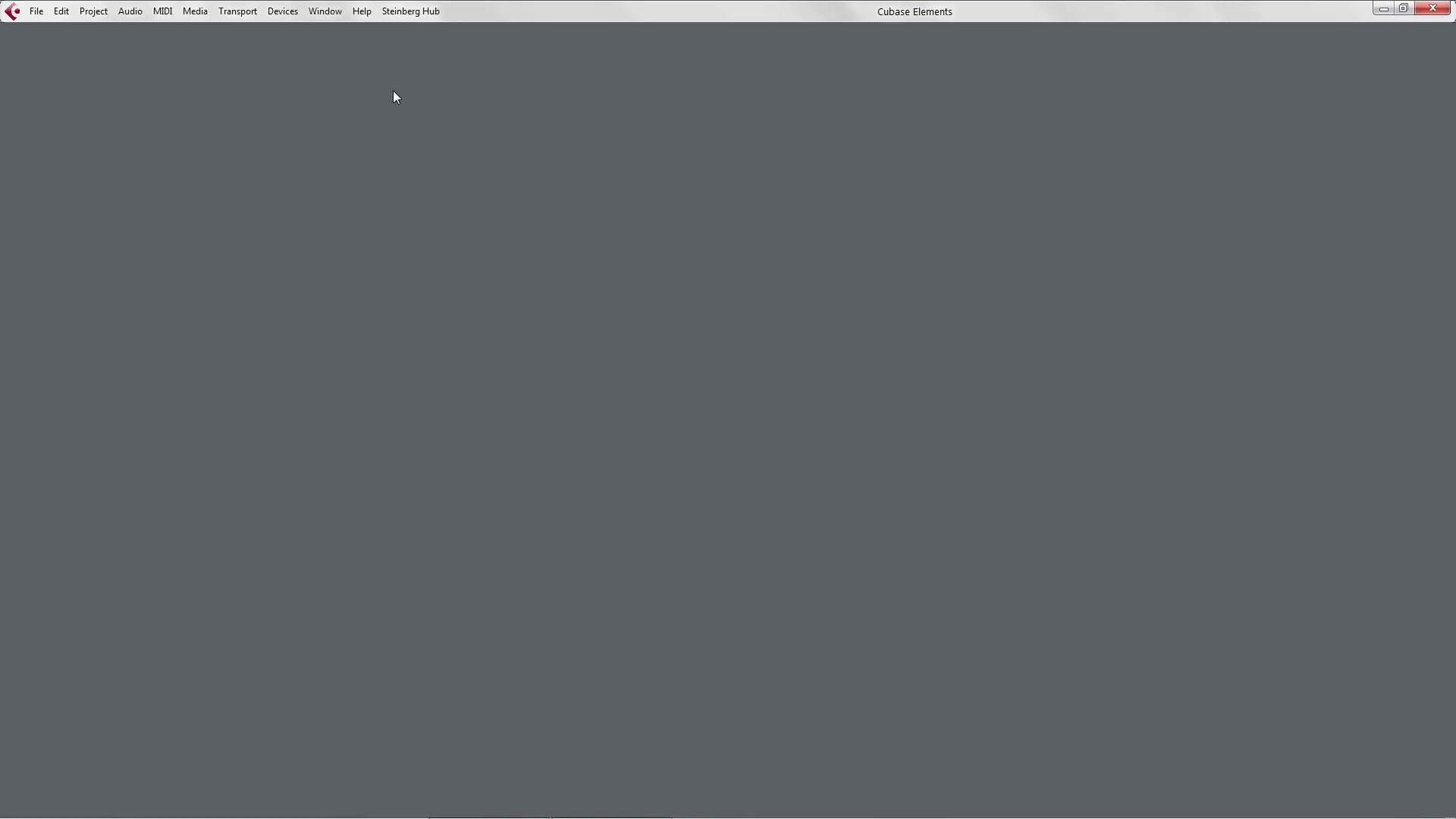
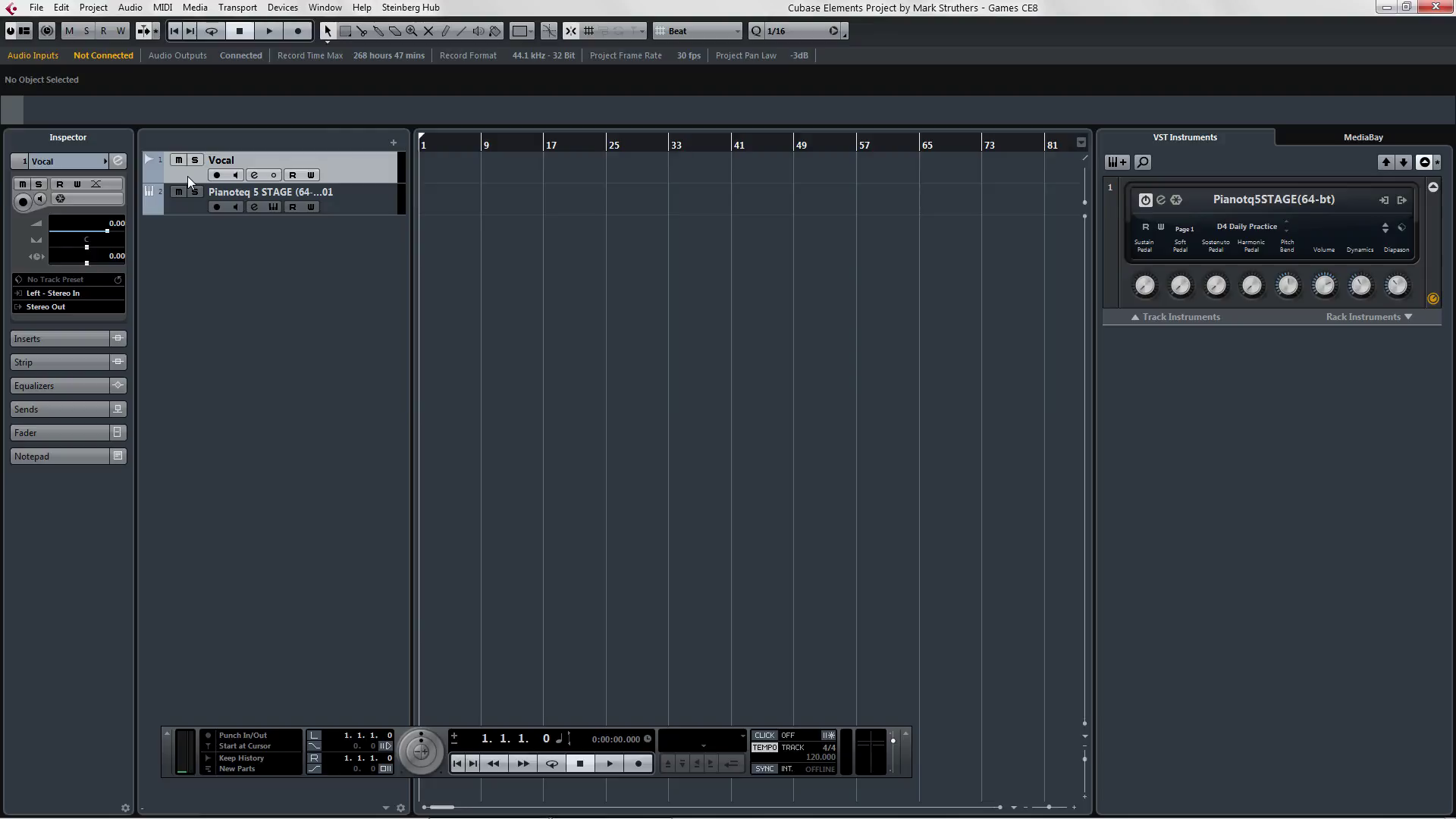
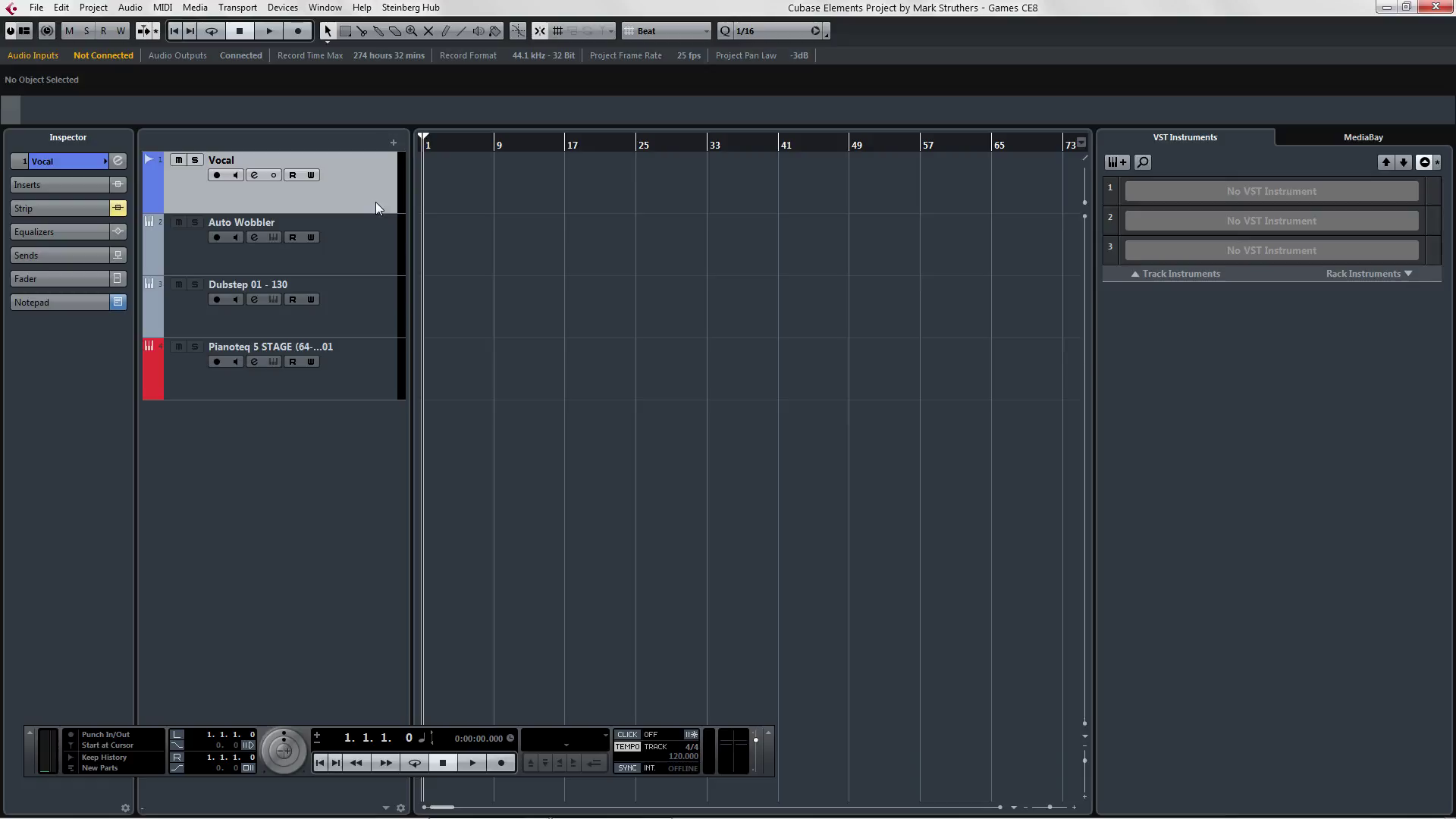
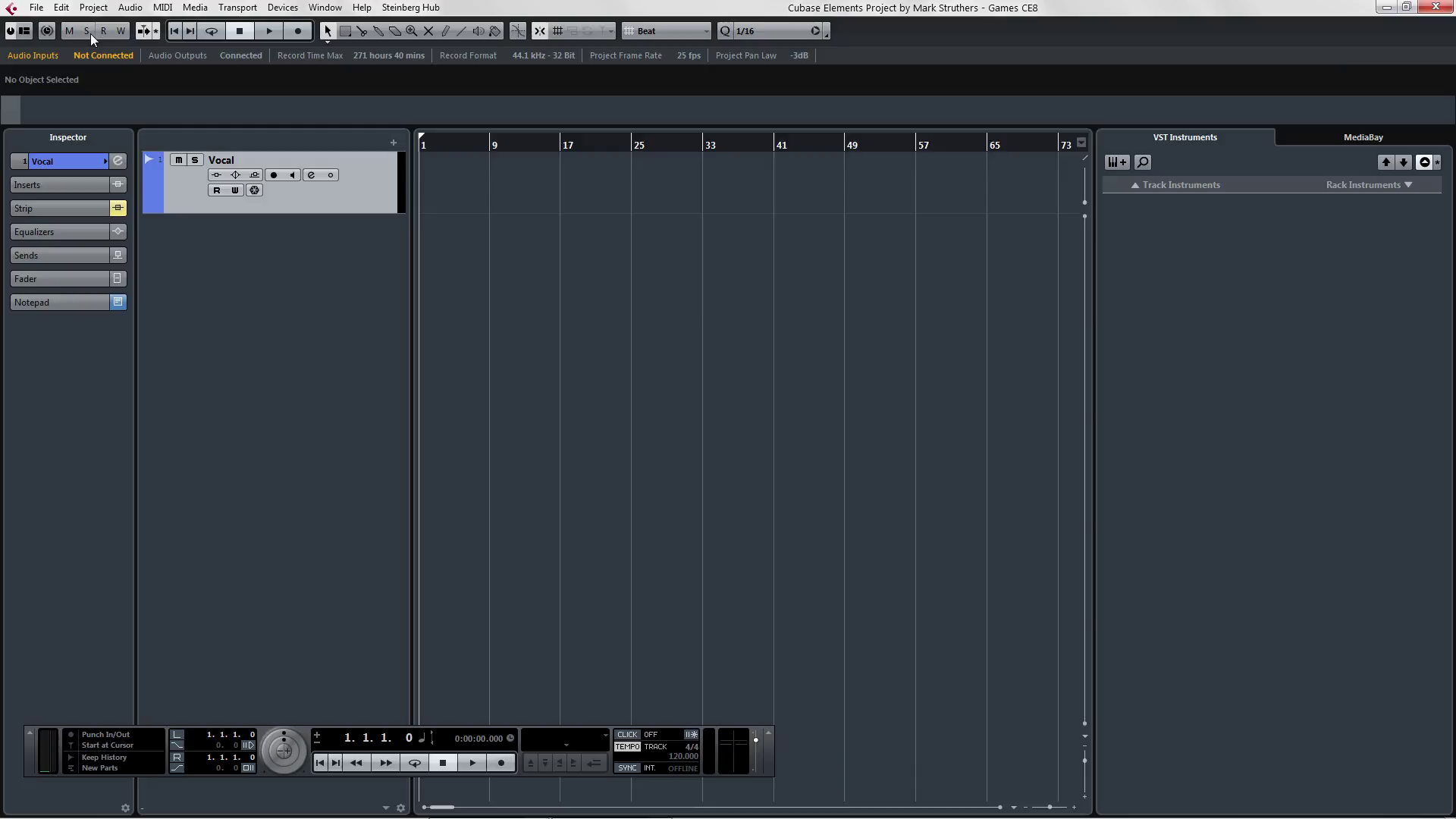
Язык: Английский--Описание: Наша серия 14 шаг за шагом учебник видео о последней версии начального уровня от Steinberg DAW начинается с введения в Steinberg Hub и специфику того, как установить его видимость в настройках. Тогда мы получим в самом Cubase Elements, анализируя его структуру папок проекта и начать новый проект, добавив диапазон типов треков: MIDI, аудио, инструмент и т.д.-Our series of 14 step-by-step tutorial videos on the latest version of Steinberg’s entry-level DAW begins with an introduction to the Steinberg Hub and the specifics of how to set its visibility in the Preferences. Then, we get into Cubase Elements itself, analysing its project folder structure and starting a new project by adding a range of track types: MIDI, Audio, Instrument, etc.
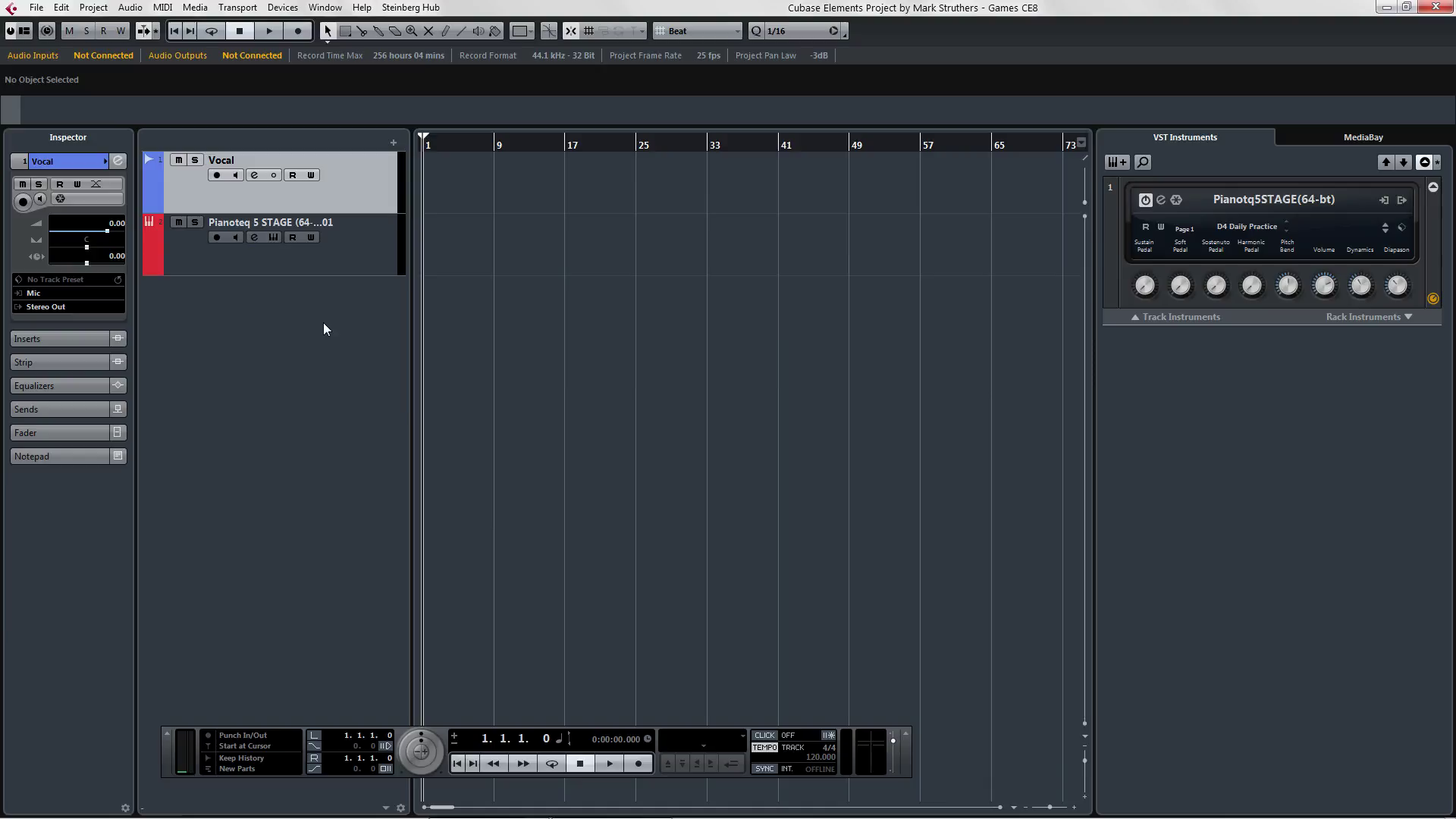
With each track type controlled by its own array of Project settings, we show you how to view them in the Information Line and change them with the Project Set Up properties dialog, before discussing colouring of track types and introducing the Inspector.
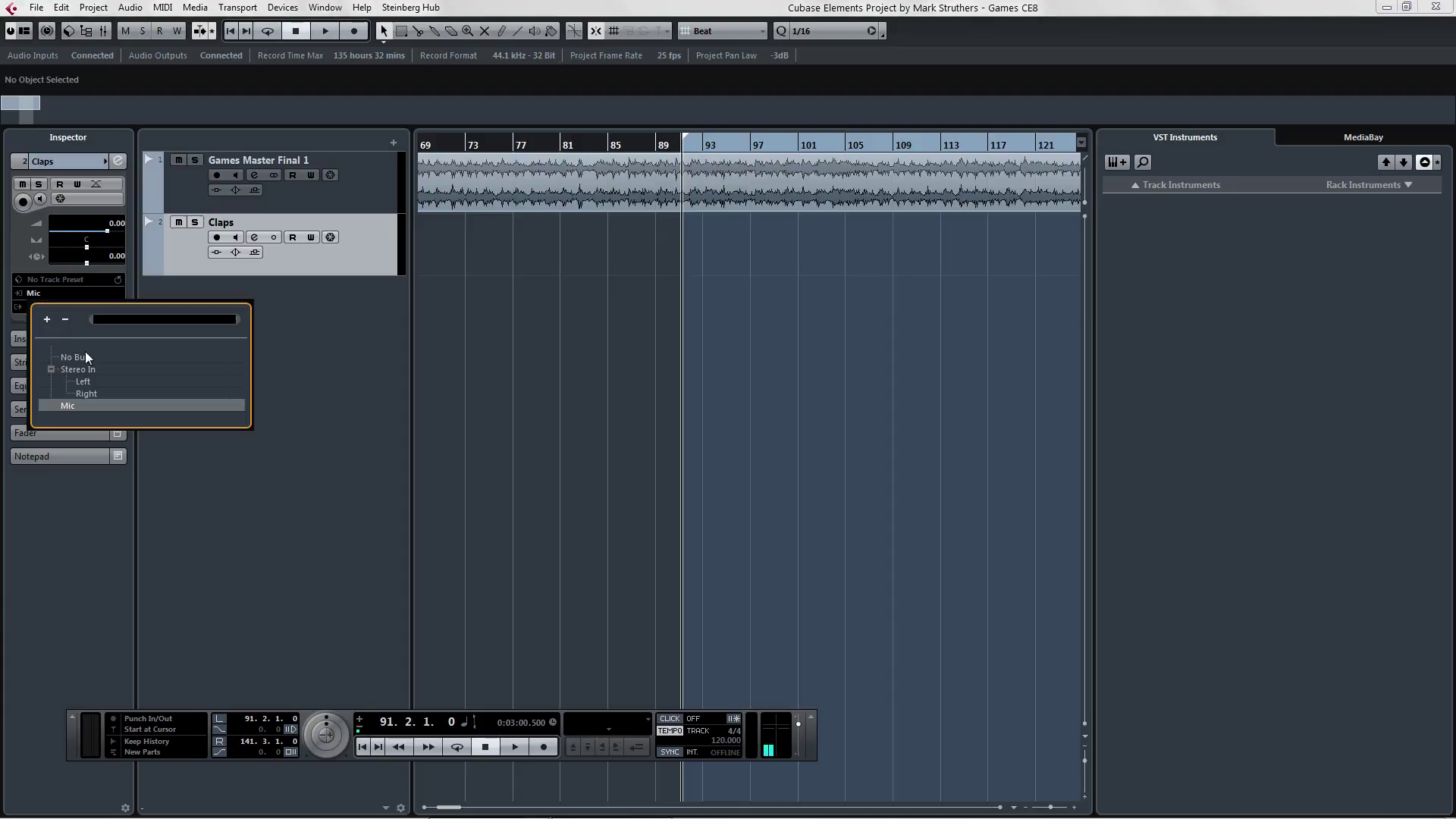
Next, we move on to setting up input and output connections in order to record external sound sources and make our project heard. This includes working in the VST Connections dialog to organize input busses and create input/output presets, and adjusting audio interface-related settings in the Device Manager.
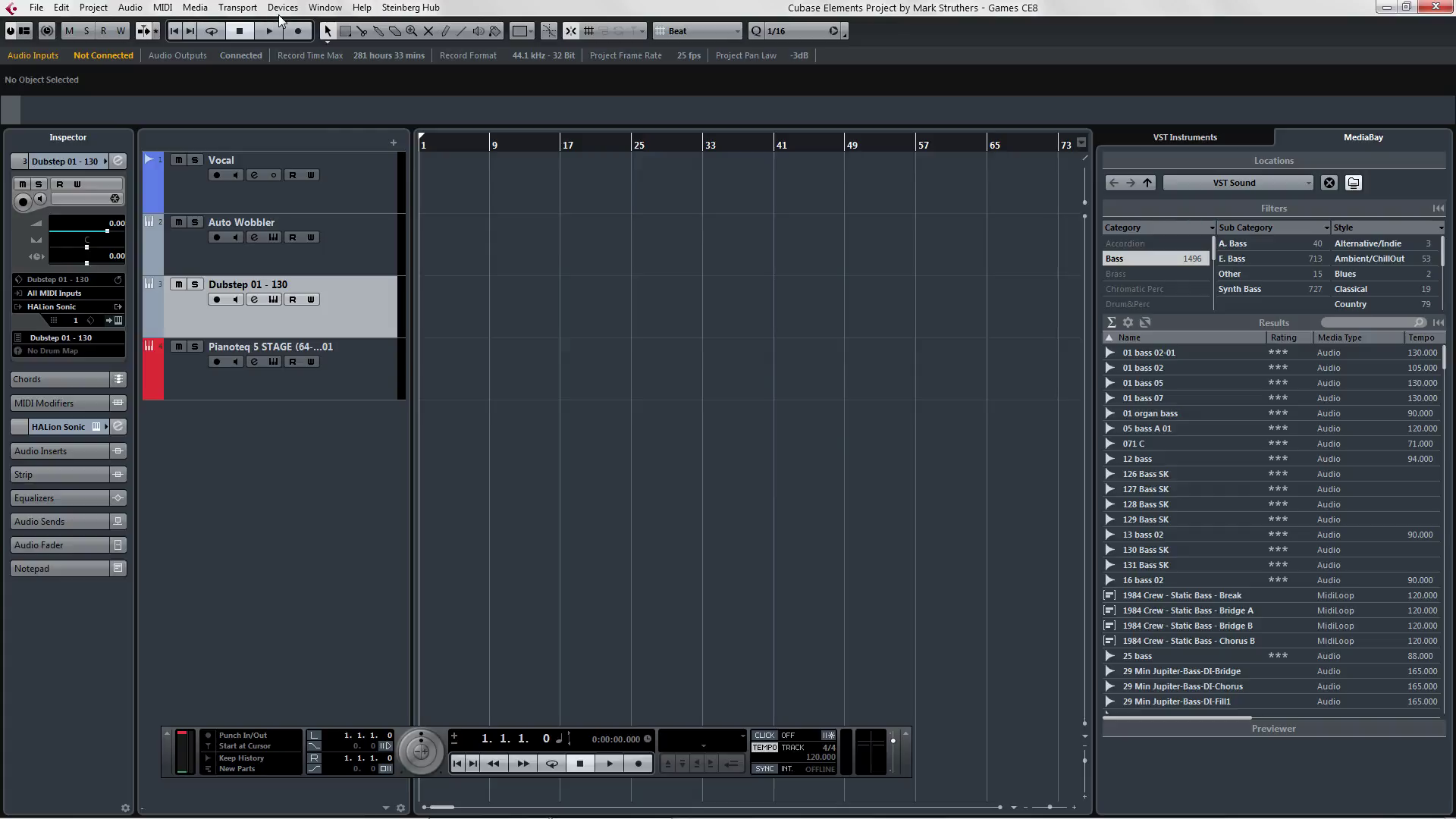
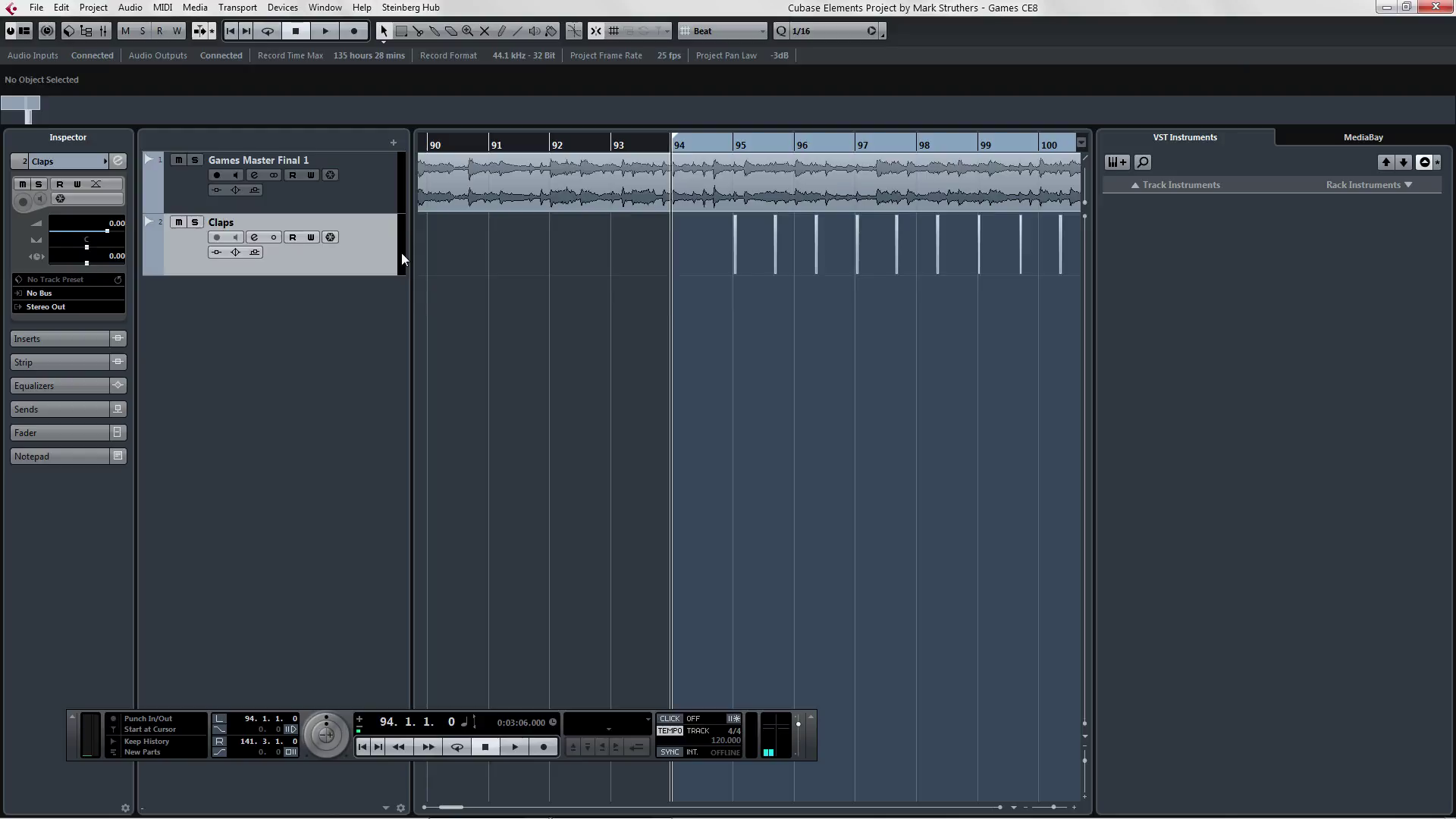
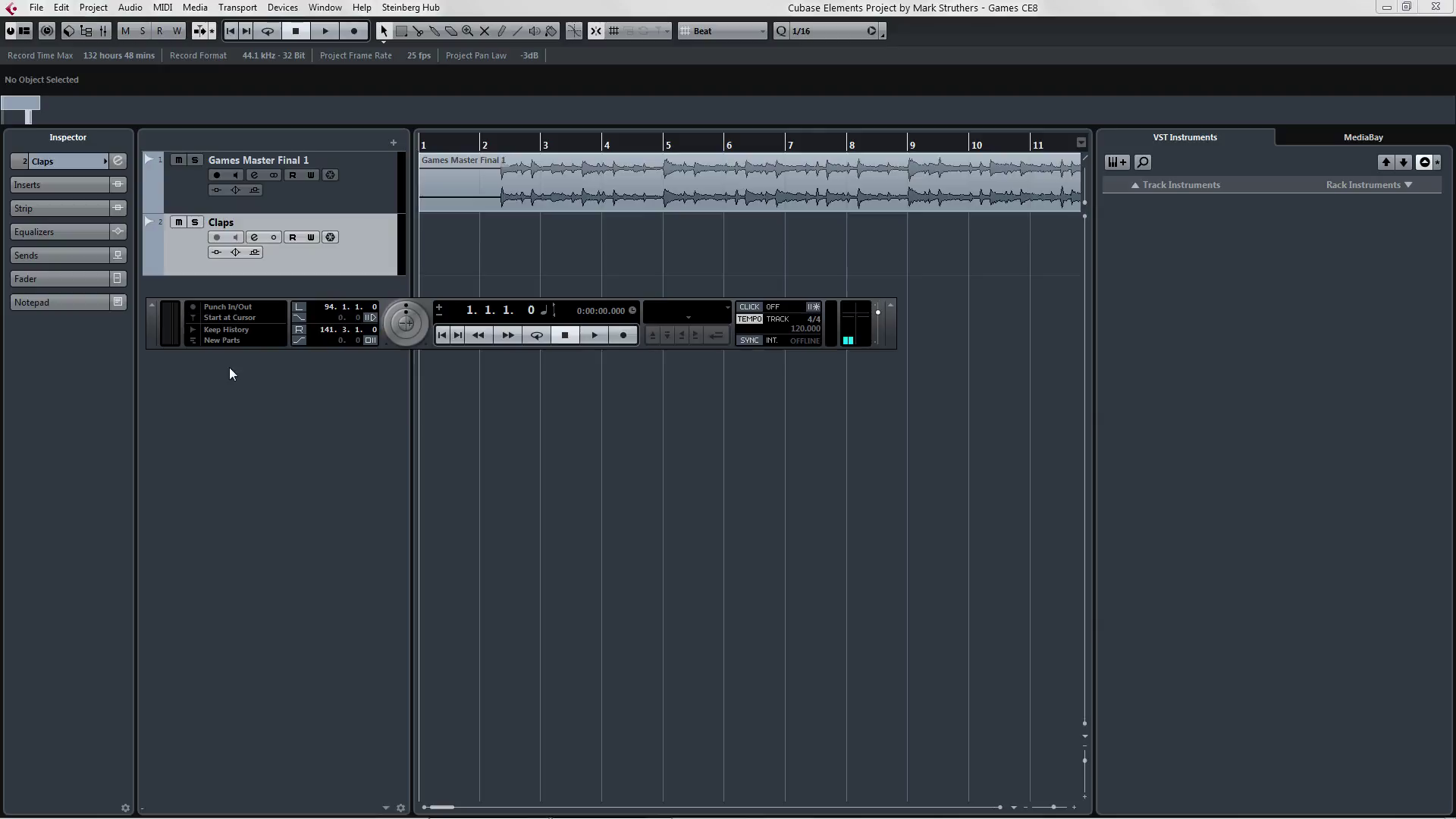
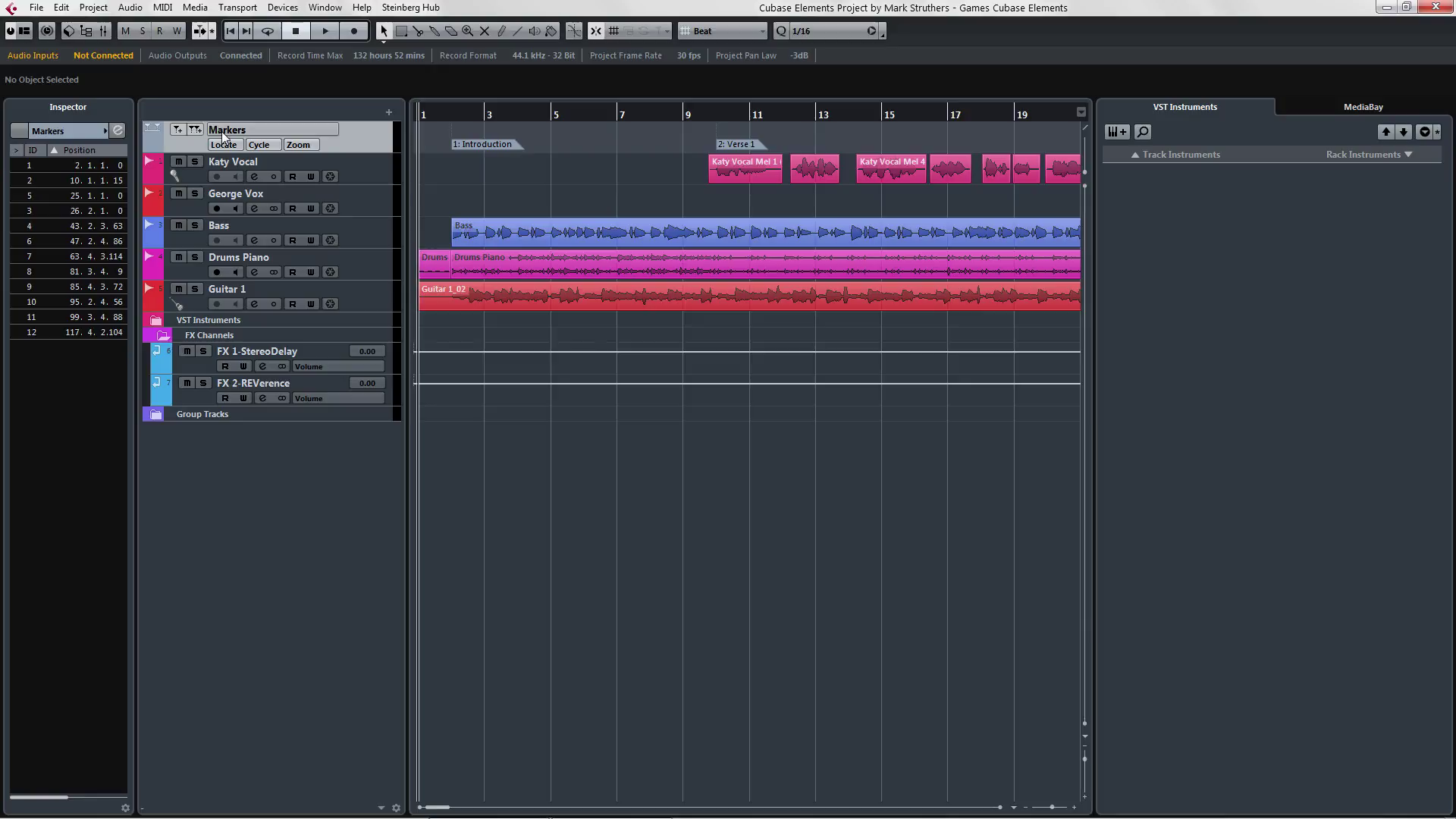
In the Media Bay, User Interface and Inspector chapters, we search for media assets and load a VSTi by choosing a preset; take a quick tour of the UI and its interactive elements, and get hands-on with the Inspector’s various panels.
Содержание
├── 01-Introduction.mp4
├── 02-starting-projects.mp4
├── 03-project-setting.mp4
├── 04-making-connections.mp4
├── 05-vst-connections.mp4
├── 06-media-bay.mp4
├── 07-user-interface.mp4
├── 08-inspector.mp4
├── 09-setting-up-tracks.mp4
├── 10-importing-audio.mp4
├── 11-recording.mp4
├── 12-inserting-effects.mp4
├── 13-transport-panel.mp4
└── 14-mix-console.mp4
Файлы примеров: отсутствуют
Формат видео: MP4
Видео : AVC, 1920x1080 (16:9), 29.970 (30000/1001) fps, ~592 Kbps avg, 0.010 bit/pixel
Аудио: 48.0 KHz, AAC LC, 2 ch, ~128 Kbps
|
|
|